Showing posts with label trackbot. Show all posts

Thursday, August 15, 2019

Trackbot (part 3: arduino integration and control code)

So with the microbit sending HIGH to some jumpers, and an arduino setup to control the lego motors, time came to integrate them together.  I brought over four wires from the microbit; forward and reverse for each track.

My plan there was to just connect all four jumpers from the microbit to the analog input pins on the arduino.  This turned out to be trivially easy, in the code i just run analogread() for each pin and if the input is above a threshold, assume it's a signal and do something.

Connecting microbit to Arduino analog input pins.
We're then getting pretty close to having it working.  It took a few iterations in the arduino code before i settled on the following, one for each track:

const int pwmOutput = 255;  
const int moveThreshold = 125; // how much of a signal before we trigger  
// left  
if (analogRead(leftFord) > moveThreshold){  
   moveLeftFord(pwmOutput);  
} else if (analogRead(leftBack) > moveThreshold){  
   moveLeftBack(pwmOutput);  
} else stopLeft();  

This was probably the most time consuming element in the project.  I wanted the vehicle to only move if you were holding the button down, otherwise stop that motor.  I'd already tested and the microbit will happily accept multiple simultaneous commands, so we're all good.

So with the wires etc all bundled on top I drove around a bit and scared the cat :) job done, it's now just a matter of packaging it all up so that it's neat and tidy and kid proof.  I should also add some fun factor in, and with four more potential inputs on the controller i could add some sounds or lights or a gatling gun.. whatever is the most enjoyable.. ;)

Trackbot (part 2: remote control with microbit bluetooth)

Again there was no specific plan here, just worked it out as i went along, meanwhile holding true to these objectives:
  1. Ideally, don't spend any money (use what i have already)
  2. Be able to control forward and reverse for each track.
  3. In case of having to spend money, make any spend as reusable as possible.
  4. Make it fun to use!  Lights!  Buzzers!
A commercial RC control was a non-starter due to rule number 1.  That being said i did find a nice tutorial about how to integrate one with an Arduino.

Next, i did have the two BBC micro-bit microcontrollers, and i knew that they both did bluetooth.  So i had an idea i could build up one as a transmitter/controller and the other as the receiver.  It turns out getting them talking isn't hard (at all) but i didn't want to use block code, nor even that online compiler thing.

So then i did some reading and discovered there are heaps of choices when it comes to where you code your microbit, including the Arduino IDE.  I had a wow moment at that point :) and quickly dipped into the wonderful world of microbit with the arduino ide thanks to Adafruit.  That short tutorial series completely changed my plans, and i learned:
  1. With the right resources we can achieve amazing things!
  2. That i can easily code microbit in the familiar arduino IDE ecosystem.
  3. When doing so i don't need to sacrifice core microbit functionality (like bluetooth or the other sensors etc).
  4. I don't need two microbits at all, because Adafruit has a BRILLIANT iOS app, and i can control the microbit from there!
  5. wow!
So.. that was a bit if a whirlwind, but as a result i then had a microbit with some wires hanging off it, some code largely based off the example, and an app with which i could trigger the microbit, it was perfect for my needs.

Microbit plus jumpers and power cable (to battery terminal).
I was able to then use the remote control app and hit a button, and the microbit would send one of those pins high.  I randomly picked them, but tested each pin in turn until they all worked.  Also soldering to a microbit is annoying.


I know I'm glossing over things a bit, but seriously that tutorial was awesome, go have a look.  So in essence my remote control setup works as follows:
  1. I power up the L298N which provides 5v to the Arduino
  2. The microbit is powered from the 3.3v supply on the arduino
  3. The microbit is paired with my iPhone
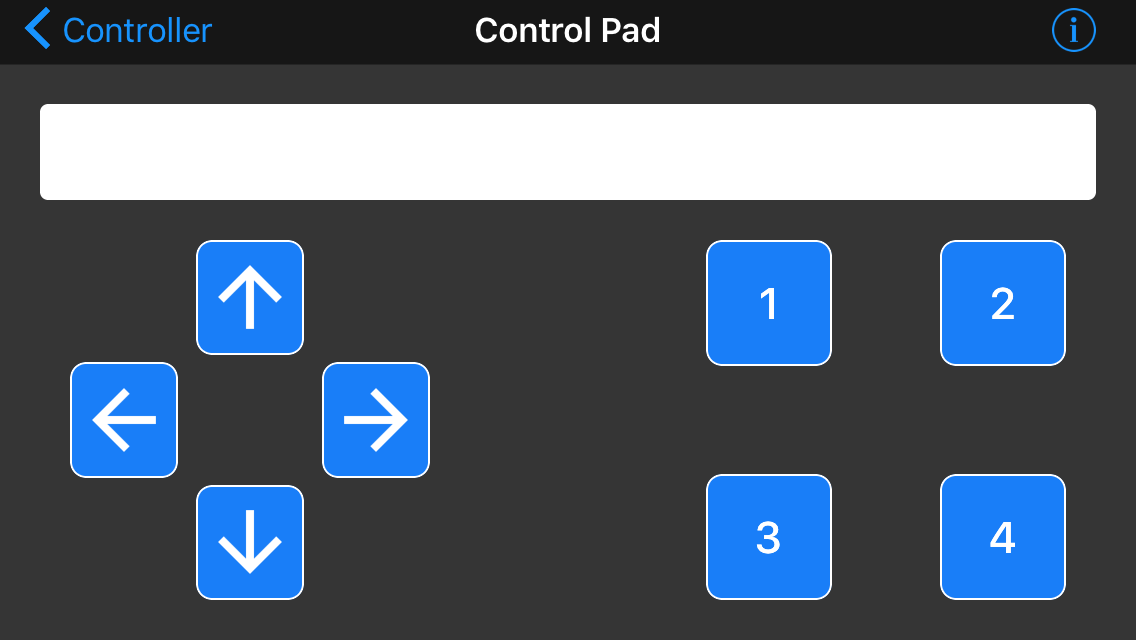
  4. I open the app, connect to the microbit and navigate to the Control Pad
  5. Hit one of the 4 numbered buttons, and one of those jumpers goes high.
  6. ..celebrate.  It was almost too easy.
I do note that i lost PWM control here, these are simply on and off signals.  I can deal with that, and can still code in some soft start stuff if i want.
 
Next is then coding the arduino to do sensible things with these inputs..

Trackbot (part 1: assembing parts, hatching a plan)

I had some parts laying around and I figured i could probably turn all this into something fun for me to make, and fun for my boy to play with. 
  1. The tracks etc from the Lego Technic excavator (42006)
  2. A couple of Lego Technic motors and some cogs to gear them down a bit
  3. A few Lego power cables including a couple of the ones for lights (8870)
  4. An arduino Uno clone (Freetronics eleven)
  5. Two BBC microbit microcontrollers
  6. An L298N motor driver board (these things are neat!)
  7. A 6s NiMh battery pack (9.6v) with Tamiya RC connector
  8. A potentiometer, various jumper wires, a random DC motor etc 
  9. And Ben's oscilloscope which needs using before i have to give it back.

I didn't have a perfectly crafted plan, but it was something like this:
  1. Remember how to drive a DC motor using the L298N with PWM
  2. Work out how the wiring works for Lego motors and how to connect them to the L298N without cutting their cables (because they're expensive).
  3. Work out how to control an arduino remotely.
  4. Shove it all on the tracks and make an remote controlled .. thing.
After sorting out power to the Arduino (using the 5v output from the L298N), the first thing was to hook up the random dc motor to the driver board (tutorial elsewhere) and use the potentiometer to control the PWM input.  Next was to hook in the Lego motors, which required understanding how they were cabled:

Cut these *before* you find out how much they cost.
To connect the Lego motor to the L298N i created some cables as above by cutting the 8870 cables and soldering jumpers into c1 and c2 (you don't need GND or 9v).  The standard motors can now plug into the Lego end and c1 and c2 go to the screw terminals on the L298N. 

Quite nerdy spaghetti.

The code* worked ok, so I then moved on to the tracks themselves. I already had this layout from when I'd been mucking around with the tracks as a Lego project.  There's one engine per track, and for forward travel obviously they'll be rotating in opposite directions.  I just needed to install the battery somewhere and luckily it just fit right in there..
The tracks; one motor for each track and battery pack


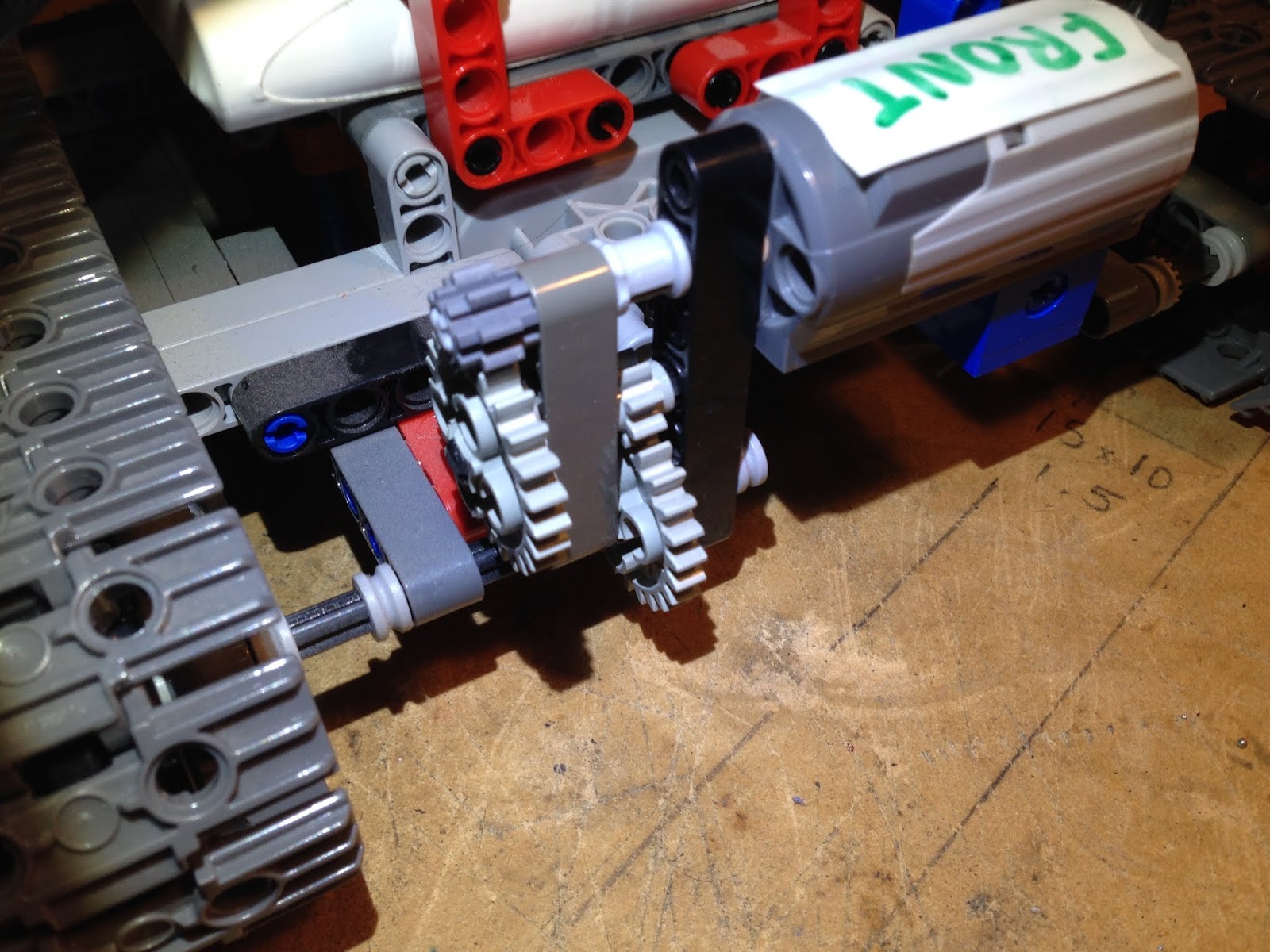
And again from awhile ago, I'd gear the motors down so they can run at full speed and provide slow powerful motive force, all the torque etc:

Two stage reduction gears.
Finally i kinda just stuck it all together and it worked, but there was zero consideration given to the packaging, so I couldn't actually drive it anywhere, and there was no control beyond the potentiometer (driving both tracks, one way only).

So next was do work out how to do the remote control, and that was a bit more interesting..